One code per table
Rather than one at the entrance. The bar works well too.
A few minutes for you, one scan for your guests.
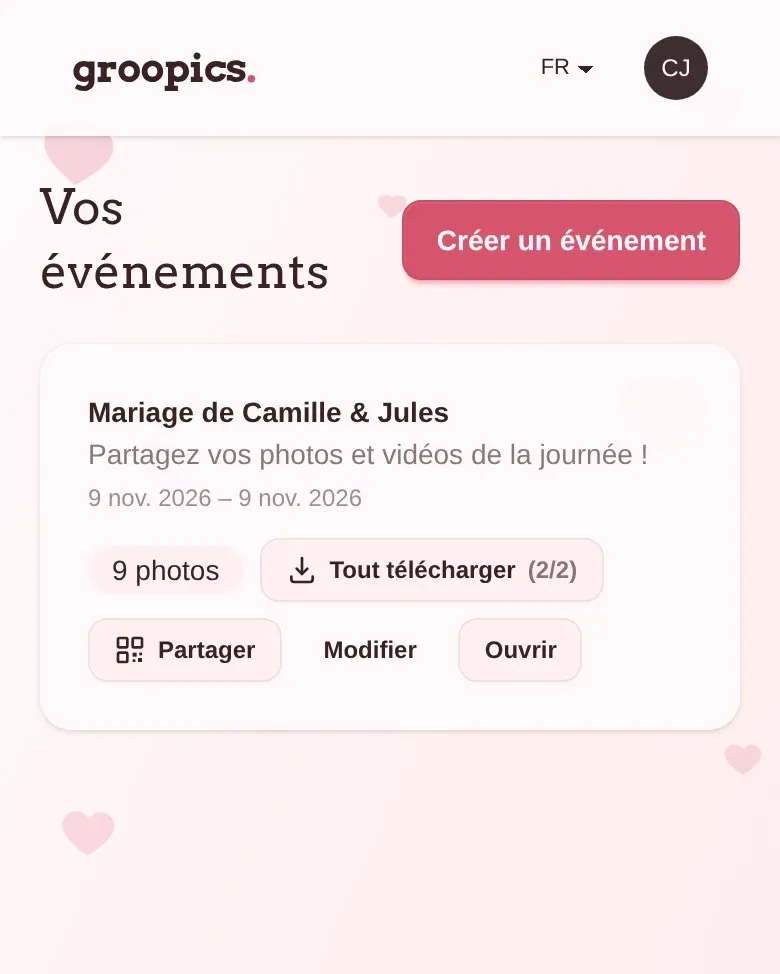
A name and dates. The dates decide when guests can upload.
As a JPEG for the printer or a PNG for your stationery. The link is ready too.
Tables, menu, welcome sign. One mention on the mic is enough.
The album fills up on its own. Run the slideshow on a screen if you like.
One ZIP with every original. Each photo stays online 12 months.
The page opens in the browser. Nothing to install.
Photos and videos, as many as you like.
Everyone’s photos, newest first.
Rather than one at the entrance. The bar works well too.
One sentence from the best man or the host is enough.
Set the end date to the last day of the celebrations, not the ceremony.
A weak signal slows uploads without losing them: they retry on their own.
Groopics is invitation-only while we test it. Tell us your wedding date and become a tester.
Your guests never need an account. Already have an event? Sign in
Cette page existe aussi en français.
Voir en français